
Register online
Create your business account on the Fiducia marketing site. We email a welcome message with a verification link. Trial length and public registration availability are controlled by IPH Solutions.
How it works
A deliberate path from trial account to a live multi-branch operation with Fiducia POS: verify your email, configure catalog and packages, install the desktop app, open the register, then layer finance, payroll, and customer channels as you grow.
Create your business account on the Fiducia marketing site. We email a welcome message with a verification link. Trial length and public registration availability are controlled by IPH Solutions.
Confirm your address before Customer Admin access. Security starts at the front door - unverified accounts cannot operate the business.
Sign in to Customer Admin: create branches, build catalog, define packages that consume component products, set discounts, invite staff, and prepare inventory. Establish the commercial rules before the first rush.
Download the installer from the Download page, install Fiducia on your counter PC, and register the machine to your business and branch. It keeps selling locally when the network dips, then syncs when the cloud is ready.
Open the trading session, sell items and packages, apply structured discounts, track packing stock, then close the day. Financial posting and reporting follow the same operational truth.
Add branches, enable Android and store channels, deepen payroll and employee workflows, and rely on dashboards and statements as volume grows - without changing platforms.
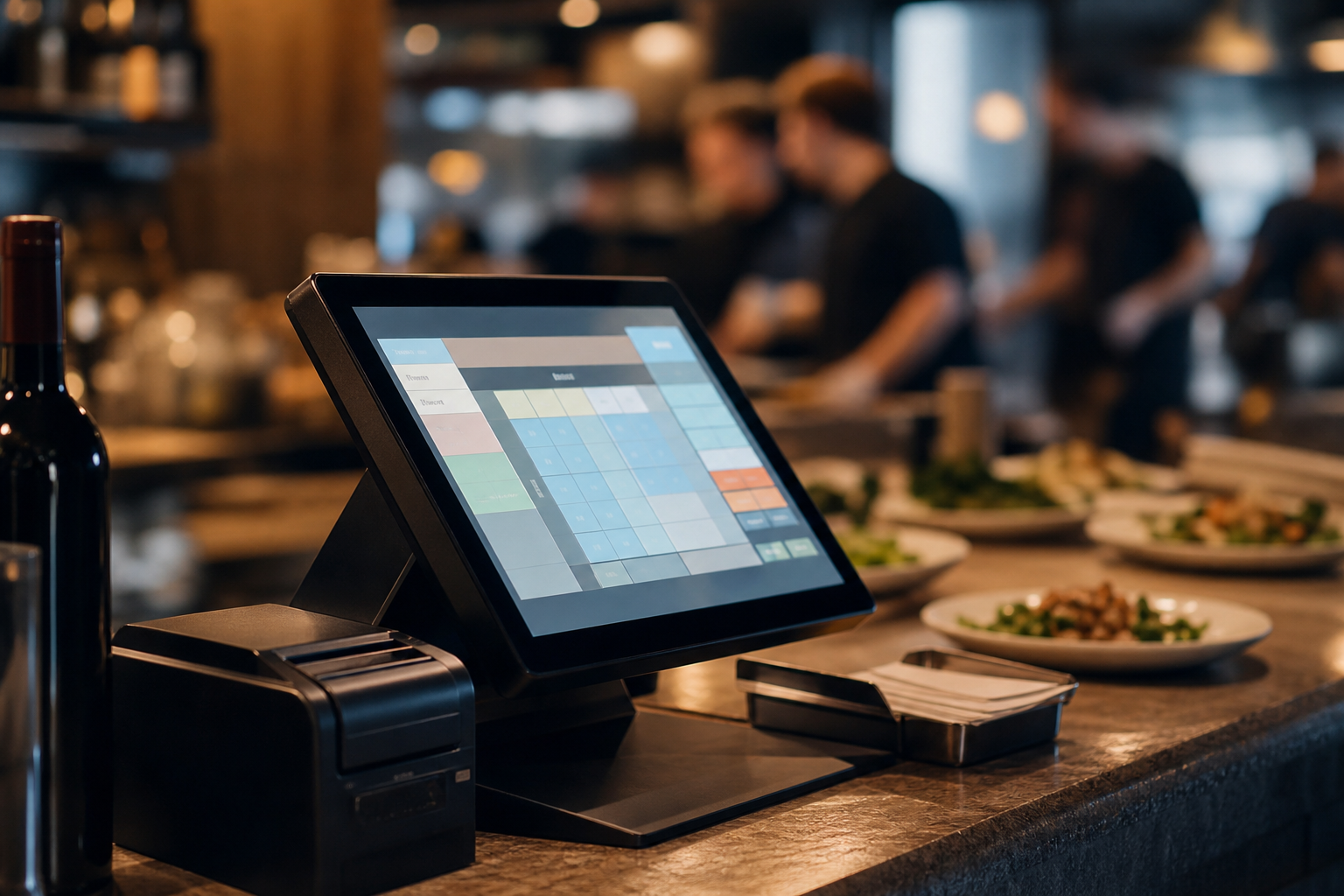
Most POS products shine in a demo and fracture at expansion. Fiducia’s multi-branch design, package inventory, financial core, and channel apps are the same system you meet on day one. Start small, stay coherent as you scale.